

How to Transfer a Facebook Page to a New Owner (Safe Method)
The safe way to transfer a Facebook page
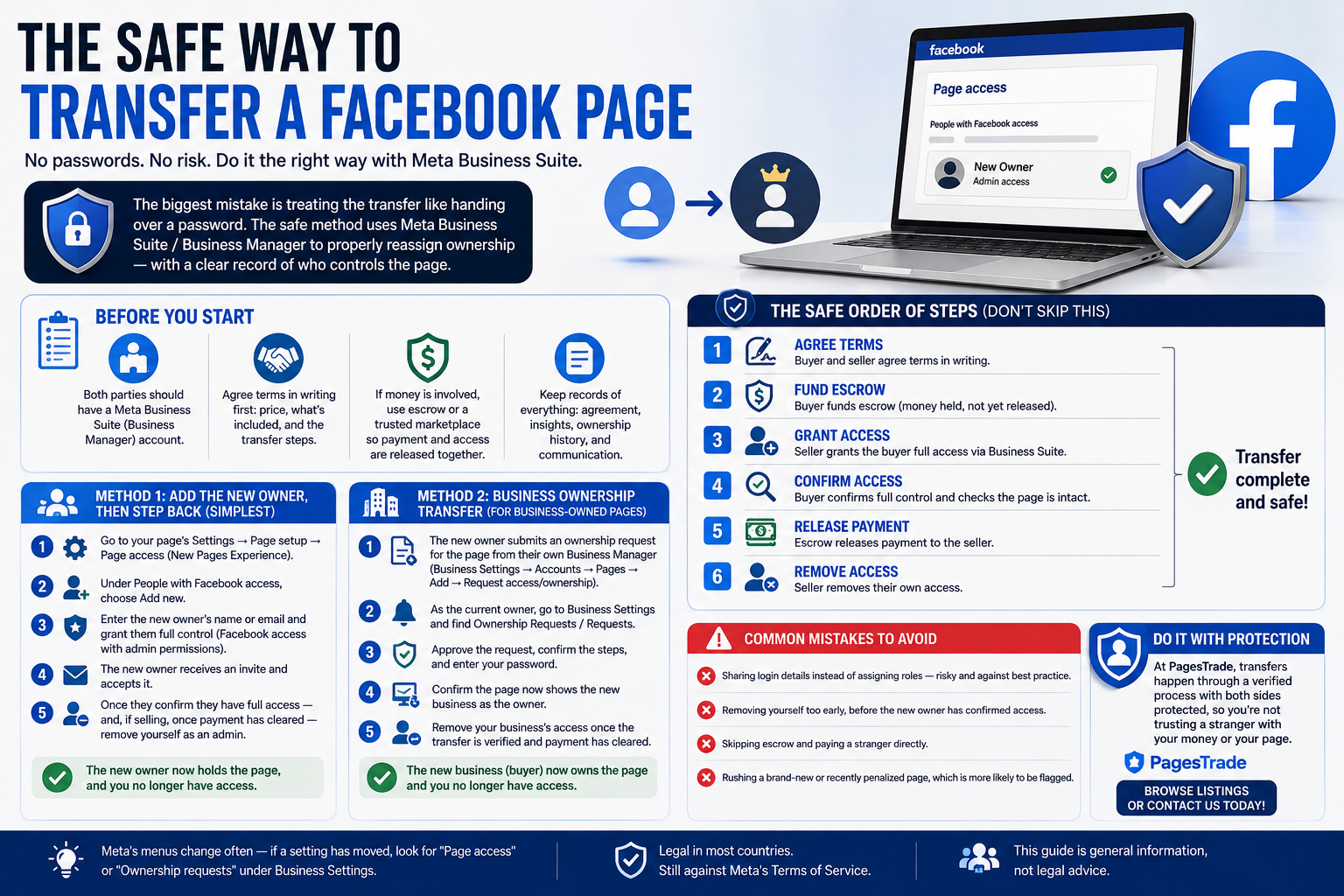
Whether you're selling a page or buying one, the biggest mistake is treating the transfer like handing over a password. Sharing a login is risky for both sides and looks suspicious to Meta. The safe method uses Meta Business Suite / Business Manager to properly reassign ownership — no passwords shared, and a clear record of who controls the page.
This guide walks through it for both the seller and the buyer.
Before you start Both parties should have a Meta Business Suite (Business Manager) account. Agree terms in writing first: price, what's included, and the transfer steps. If money is involved, use escrow or a trusted marketplace so payment and access are released together. Method 1: Add the new owner, then step back (simplest)
Best for a straightforward handover between two people.
Go to your page's Settings → Page setup → Page access (New Pages Experience). Under People with Facebook access, choose Add new. Enter the new owner's name or email and grant them full control (Facebook access with admin permissions). The new owner receives an invite and accepts it. Once they confirm they have full access — and, if selling, once payment has cleared — remove yourself as an admin.
That's it: the new owner now holds the page, and you no longer have access.
Method 2: Business ownership transfer (for business-owned pages)
Use this when the page is owned inside a Business Manager account — common for larger or monetized pages.
The new owner submits an ownership request for the page from their own Business Manager (Business Settings → Accounts → Pages → Add → Request access/ownership). As the current owner, go to Business Settings and find Ownership Requests / Requests. Approve the request, confirm the steps, and enter your password. Confirm the page now shows the new business as the owner. Remove your business's access once the transfer is verified and payment has cleared. The safe order of steps (don't skip this)
For a sale, the order protects both sides:
Buyer and seller agree terms in writing. Buyer funds escrow (money held, not yet released). Seller grants the buyer full access via Business Suite. Buyer confirms full control and checks the page is intact. Escrow releases payment to the seller. Seller removes their own access.
Never release money before you have confirmed, independent admin control — and never remove your own access before payment is confirmed.
Common mistakes to avoid Sharing login details instead of assigning roles — risky and against best practice. Removing yourself too early, before the new owner has confirmed access. Skipping escrow and paying a stranger directly. Rushing a brand-new or recently penalized page, which is more likely to be flagged during transfer. Do it with protection
At PagesTrade, transfers happen through a verified process with both sides protected, so you're not trusting a stranger with your money or your page. Browse listings or contact us to buy or sell with a safe, documented transfer.
Meta's menus change often — if a setting has moved, look for "Page access" or "Ownership requests" under Business Settings.
Content