
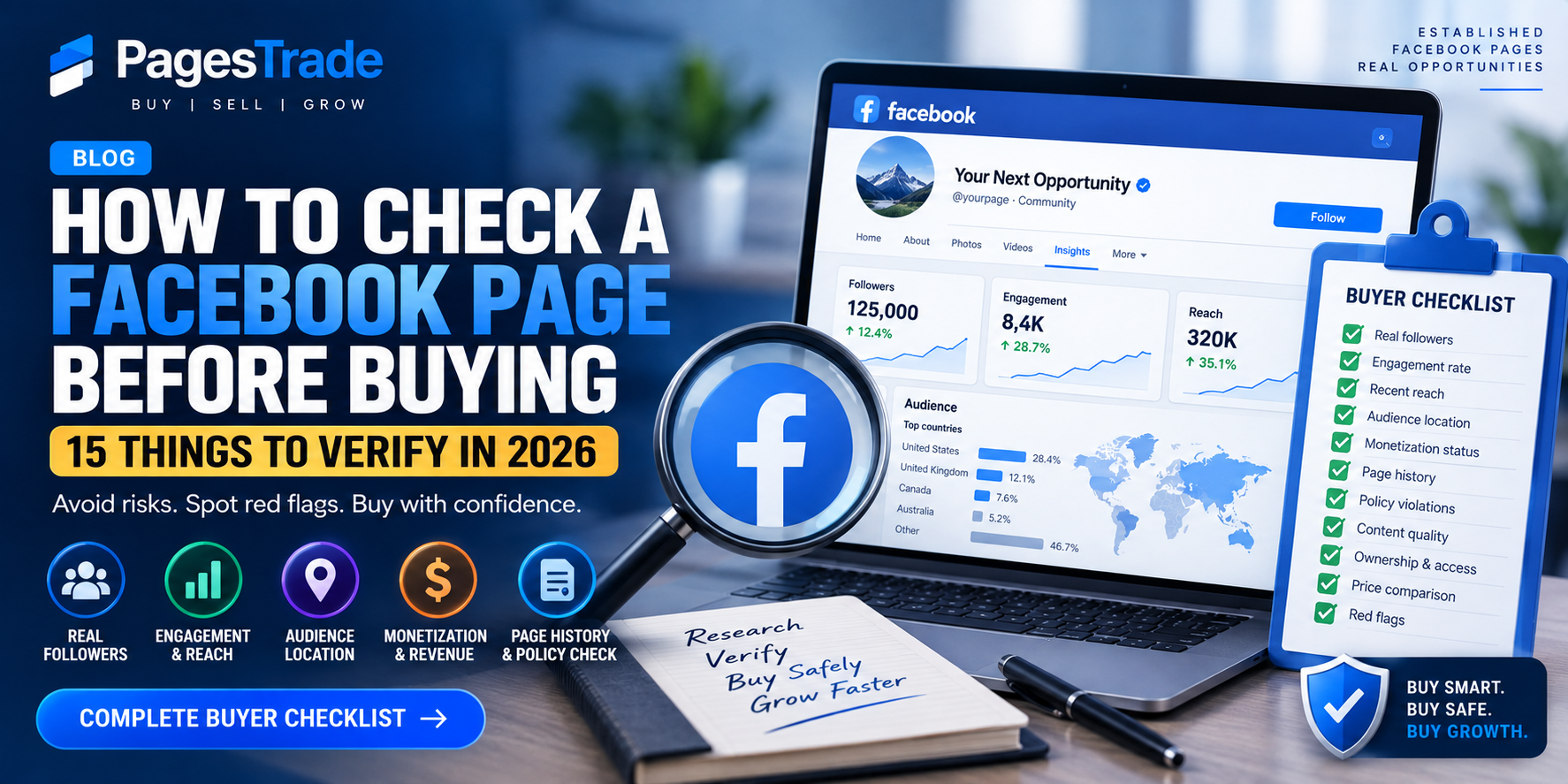
How to Check a Facebook Page Before Buying: 15 Things to Verify in 2026
How to Check a Facebook Page Before Buying: 15 Things to Verify in 2026
Found a Facebook page that looks perfect?
Don't let the follower count make the decision for you.
A page can have 500,000 followers and still have weak reach, an inactive audience, poor monetization potential or a problematic history. Meanwhile, a smaller page with genuine followers and strong engagement may be far more valuable.
Before evaluating any established Facebook page, here are 15 things you should verify.
1. Check the Follower Count — But Don't Stop There
Follower count is the easiest number to see, which is why buyers often focus on it first.
But it should only be your starting point.
Ask:
- How old is the page?
- How quickly did it gain followers?
- Are those followers still active?
- Where are they located?
- Does the current content still match what they originally followed?
A large audience means little if most of it no longer interacts with the page.
2. Look at Recent Engagement
Open the page's latest posts and look at:
- Reactions
- Comments
- Shares
- Video interactions
- Posting frequency
Don't judge the page from its best viral post.
Review at least 20–30 recent posts to get a better idea of normal performance.
If a page has 200,000 followers but most posts receive almost no interaction, investigate why.
3. Ask for the Last 90 Days of Insights
Public information doesn't tell the whole story.
Ask the owner to provide recent Facebook/Meta insights.
Ideally, examine the previous 90 days rather than a screenshot of one successful week.
Look at:
- Total reach
- Content reach
- Engagement
- Follower growth
- Top-performing content
- Audience countries
- Audience demographics
Recent performance is generally more useful than lifetime numbers when evaluating the current health of a page.
4. Check the Audience Countries
This is one of the most overlooked checks.
Imagine two pages each have 100,000 followers.
Page A has most of its audience in the United States, while Page B has an audience concentrated in countries that aren't relevant to your business.
Depending on your objective, those audiences could have very different commercial value.
Ask to see the page's top countries and cities.
Then compare them with the audience you actually want to reach.
5. Check Whether the Followers Look Real
Fake, incentivized or extremely low-quality followers can inflate a page's numbers without adding meaningful value.
Warning signs can include:
- Huge follower count with almost no engagement
- Sudden unexplained growth
- Repetitive or irrelevant comments
- Audience geography that doesn't match the content
- Major differences between follower count and normal reach
No single sign proves an audience is fake.
Look at the overall pattern.
6. Check Follower Growth
Ask to see how the audience has changed over time.
Healthy pages may show gradual growth or understandable spikes caused by successful content.
Be more cautious when you see enormous follower jumps without any obvious explanation.
For example:
50,000 → 52,000 → 55,000 → 59,000
can look like natural growth.
But:
50,000 → 250,000 in a very short period
deserves further investigation unless there is clear evidence of viral content, advertising or another legitimate source.
7. Check Recent Reach
Follower count tells you how many people followed the page historically.
Reach tells you whether people are still seeing its content.
That's an important distinction.
Ask the seller to show recent reach from the page's dashboard.
Compare reach across several weeks or months rather than one exceptional day.
A smaller page with consistently strong distribution may be more useful than a much larger dormant page.
8. Review the Page's Content History
Scroll back.
Don't examine only the newest posts.
Look at what the page was publishing six months, one year or even several years ago.
You're looking for major niche changes.
For example:
2019–2024: Football content
2025: Celebrity memes
2026: Cryptocurrency
A page like this may still have a large follower count, but its audience could be fragmented across completely different interests.
Consistency matters.
9. Check Page Transparency
Facebook's Page Transparency information can provide useful background information about a Page.
Use the information available there alongside the seller's documentation and dashboard evidence.
Don't rely on a single screenshot when performing due diligence.
10. Check for Policy Problems
Ask whether the page has experienced:
- Community Standards issues
- Copyright complaints
- Content restrictions
- Advertising restrictions
- Monetization restrictions
- Removed posts
- Other enforcement actions
This is particularly important if you're evaluating a page because of its monetization potential.
Meta maintains policies that can affect a publisher's ability to monetize, and repeated policy problems can result in enforcement. :contentReference[oaicite:0]{index=0}
Ask the seller to show the relevant current status screens rather than simply saying:
"The page is clean."
Verify important claims.
11. Verify Monetization
A seller may advertise:
"MONETIZED FACEBOOK PAGE"
Treat that as a claim that needs verification.
Ask to see current monetization information and understand exactly what the seller means by "monetized."
Check:
- Current eligibility/status
- Recent earnings where applicable
- Revenue consistency
- Content generating the income
- Relevant restrictions
- Audience countries
- Whether revenue depends on a few viral posts
Meta's monetization systems use policy requirements, and enforcement can affect monetization eligibility. :contentReference[oaicite:1]{index=1}
Never pay a large premium for monetization based only on a seller's description.
12. Verify Revenue Separately
If the page supposedly earns $2,000 per month, verify that separately from follower count.
Ask for enough historical information to understand whether revenue is:
- Consistent
- Increasing
- Declining
- Seasonal
- Dependent on one viral post
- Dependent on external affiliate offers or sponsorships
One excellent month doesn't necessarily mean the page reliably earns that amount every month.
For revenue-producing assets, stable profit can become one of the most important factors in valuation.
13. Check Content Ownership
A page may have impressive reach because it constantly reposts copyrighted material.
That can create additional risk.
Look at what drives the page's performance.
Is the content:
- Original?
- Licensed?
- Reposted?
- User-generated?
- Heavily dependent on clips belonging to others?
A sustainable content strategy can be considerably more valuable than temporary reach generated through questionable content practices.
14. Verify Who Actually Controls the Page
Before any permitted transaction or business arrangement, understand exactly who currently controls the Page and what access is being offered.
Do not treat someone's Facebook username and password as the asset.
Verify relevant Page and business access directly through Meta's available management tools.
If multiple businesses, partners or administrators are connected, understand why they're there before proceeding.
15. Compare the Asking Price With the Actual Metrics
Finally, ask:
Does the price make sense?
Don't calculate value from follower count alone.
Consider:
| Factor | What to Check |
|---|---|
| Followers | Number + authenticity |
| Engagement | Recent and consistent |
| Reach | Last 30–90 days |
| Audience | Countries and demographics |
| Growth | Organic and sustainable |
| Niche | Commercial potential |
| History | Consistency and clean record |
| Monetization | Current verified status |
| Revenue | Verified and sustainable |
| Content | Originality and quality |
This is why two pages with 100,000 followers can have completely different values.
Red Flags That Should Make You Slow Down
Be especially cautious when a seller:
- Refuses to provide recent insights
- Shows only cropped screenshots
- Pressures you to act immediately
- Cannot explain sudden follower growth
- Makes unverifiable revenue claims
- Won't discuss page history
- Has dramatically changed the page's niche
- Has extremely low engagement compared with followers
- Wants you to rely only on follower count
- Requests an unsafe payment or access process
One red flag doesn't automatically mean something is wrong.
Several red flags together are a reason for much deeper verification.
Facebook Page Due-Diligence Checklist
Before considering an established Facebook page, you should be able to answer:
Audience
- Are the followers genuine?
- Where are they located?
- Are they still active?
Performance
- What is the recent reach?
- What is the normal engagement?
- Is the page growing or declining?
History
- Has the niche changed?
- Are there known policy problems?
- What type of content built the audience?
Money
- Is monetization actually active where claimed?
- Is claimed revenue verifiable?
- Is that revenue sustainable?
Control
- Who currently controls the Page?
- What exactly is included?
- Is the proposed process documented and consistent with applicable platform rules?
If you can't verify these basics, you probably don't know enough about the asset yet.
Don't Buy Followers. Evaluate an Audience.
This is the biggest lesson.
You're not evaluating a number.
You're evaluating an audience.
A page with 50,000 genuine people who regularly engage with content in a valuable niche can potentially be much more useful than a 500,000-follower page whose audience has disappeared.
That's why serious buyers look beyond the headline follower count.
Find Established Facebook Pages on PagesTrade
PagesTrade helps people discover established Facebook pages across different niches, audience sizes and price ranges.
When comparing listings, focus on the metrics that actually determine quality: audience, engagement, reach, history and verified performance.
Browse available listings on PagesTrade to start exploring established Facebook pages.
Already have a page?
You can list your Facebook page on PagesTrade and provide potential buyers with the information they need to evaluate it.
This article is for general informational purposes only. Meta's features, policies and eligibility requirements can change. Review Meta's current terms, policies and applicable rules before making decisions involving Facebook Pages.